.Net Core Api Template


A .Net Core API template for REST and / or graphql projects.
Install and use this Template
Prequisition
- .Net Core 2.2
Installation from nuget.org
- Open the windows console
- Install the template
dotnet new -i NetNinja.Api.Template
- Create a new folder with the name of the new project
mkdir MyWebApiProject
cd MyWebApiProject
- Create a new project based on this template
dotnet new coreapi -api REST
### Available Parameter
| Longname | Shortname | Description |
|---|---|---|
| –api-project | -api | Choose the kind of WebAPI project, Options: rest, graphql and both. |
| –port-graphql | -pg | Optional. A Port for HTTP endpoint in launchSettings.json. Default is a random generated port. |
| –port-rest | -pr | Optional. A Port for HTTP endpoint in launchSettings.json. Default is a random generated port. |
Live Demo
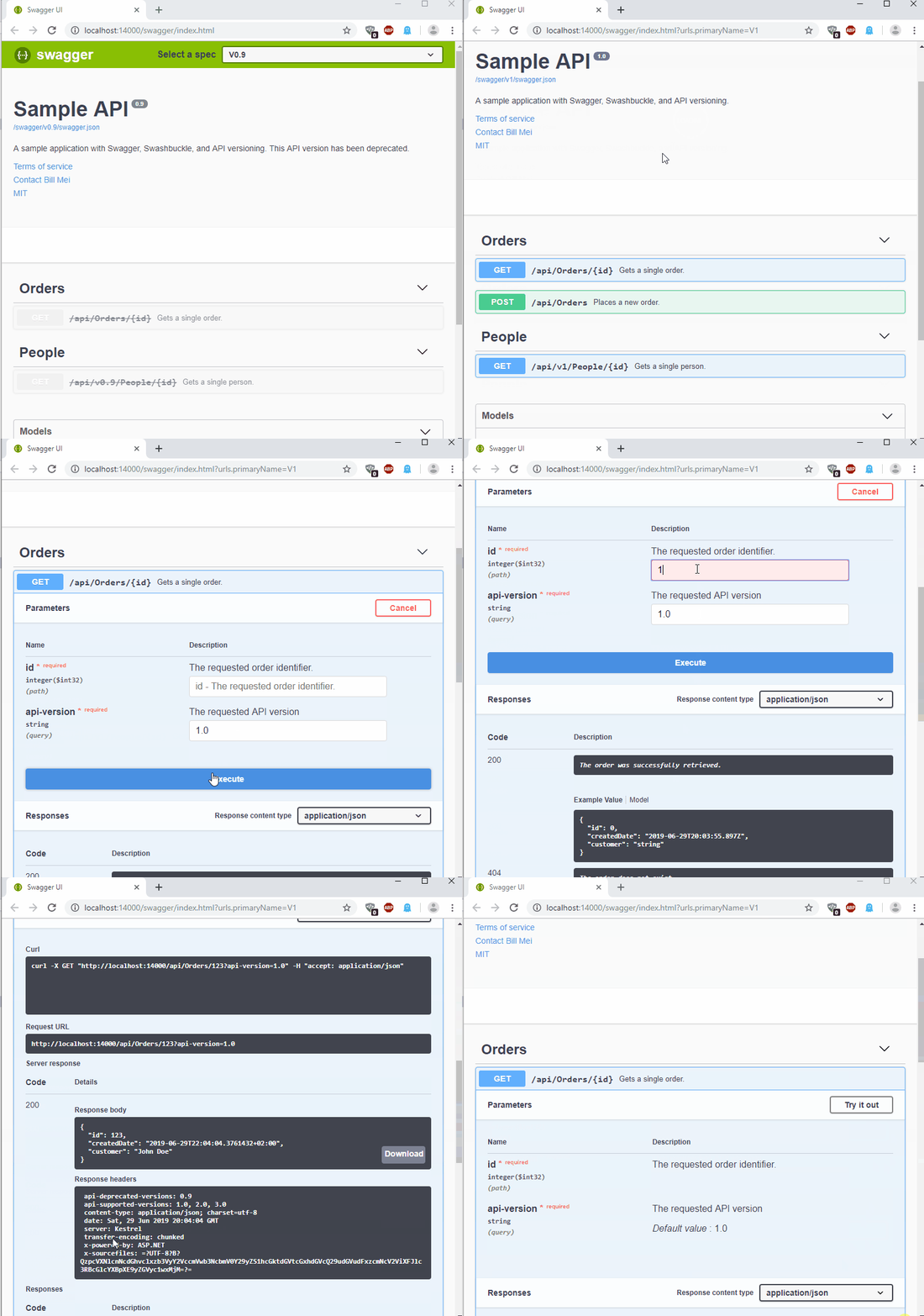
Swagger UI of the REST project
Graphql UI of the graphql project

Develop a new .Net Core Template
Howto create a nuget package
- https://docs.microsoft.com/en-us/nuget/create-packages/creating-a-package
Get started with template generation
- Official Wiki https://github.com/dotnet/templating/wiki
- Microsoft template samples: https://github.com/dotnet/dotnet-template-samples
- Howto remove lines of source files: https://github.com/dotnet/templating/wiki/Reference-for-comment-syntax
- Great .Net Core template repository: https://github.com/Dotnet-Boxed/Templates
This template uses following samples
This template uses official samples
- https://github.com/graphql-dotnet/examples in sub folder /src/AspNetCore
- https://github.com/microsoft/aspnet-api-versioning in subfolder /samples/aspnetcore/SwaggerSample/
Contributing
If you want to contribute to this project and make it better, your help is very welcome.
- Fork this repository
- Clone the repository
- Create a branch
- Make necessary changes and commit those changes
- Push changes to GitHub
- Submit your changes for review
https://github.com/firstcontributions/first-contributions